 Holisfer
Holistic Business Ecosystem
One platform, one login, every operational tool your company runs on.
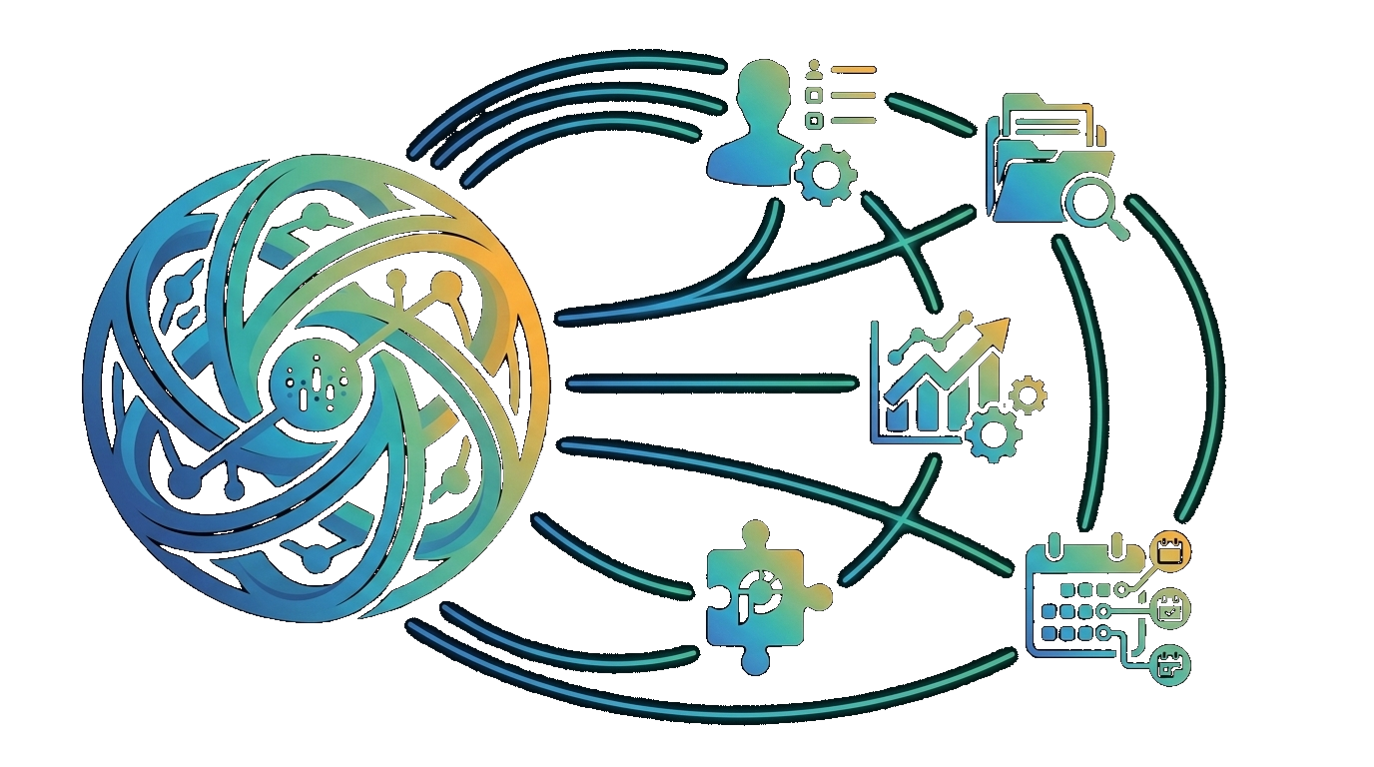 Holisfer is not another single-purpose tool. It is an interconnected suite of operational modules that share one identity, one user list and one company record — so the ecosystem grows module by module as your company does, without ever being set up twice.
- 9operational modules
- 1company account
- SSOsingle sign-on everywhere
- 6interface languages
The model
Holistic means connected, not bundled.
Every module plugs into the same core. One company account creates the identity layer; each module you activate inherits it instantly.
-
One company account
HolisferCore holds your company profile, departments, domains and people. It is created once.
-
Single sign-on
Employees log in once. Access to every module they are entitled to follows automatically.
-
Activate only what you need
Switch modules on and off independently. The ecosystem expands as the company expands.
-
Shared data, zero re-entry
Users, roles and org data are shared across modules, so nothing is ever configured twice.
Product spotlight

Centralized management of corporate email signatures and legal disclaimers across the entire company. Every message that leaves your organisation carries the same brand, the same legal text, and the same current campaign.
-
Consistent branding, every employee
One approved template renders correctly for all staff, on desktop and on mobile clients.
-
Centralized template control
Marketing and legal own the layout, fields and disclaimer wording. Employees cannot break it.
-
Automatic Microsoft 365 / Entra sync
Names, titles, departments and phone numbers come straight from the directory and stay current.
-
Company-wide campaign banners
Push a seasonal promotion or a mandatory legal notice to every signature instantly, then retire it on schedule.
Product spotlight

SSL certificates and domain registrations fail quietly — until a customer sees a browser warning. ExpiryHub watches every date your company depends on and tells you long before anything lapses.
-
Automatic monitoring
Certificates and registrar records are re-checked continuously — no spreadsheets, no calendar reminders.
-
Advance alerts, escalating
Notifications at 60, 30, 14 and 3 days, routed to the team that actually owns the renewal.
-
One dashboard for every domain
All domains, subdomains and issuers the company owns, ranked by what expires next.
-
Every request has an owner
Every domain and licence is recorded with the person who requested it; subdomains are grouped under their parent domain and SSL monitoring can be switched on or off per record.
Product spotlight


WorkTrack · WorkAbsence · WorkExpense
Time, leave and expenses — the three processes employees touch every day share the same staff list and the same approval chain. No separate time-attendance system, no separate leave spreadsheet, no separate expense form.
-
Location-verified time tracking
The work location is verified by GPS and can optionally be restricted to the office network (IP); if GPS is unavailable, network information is used instead. Optional selfie verification can also be enabled.
-
Kiosk mode for a shared tablet
Employees in the field or on the shop floor without a phone start their shift by entering their own PIN on the tablet at the entrance; the link is opened with a QR code and can be rotated at any time.
-
Rule engine and shift planning
Early check-in blocking, lateness tolerance, time rounding, scheduled automatic check-out, overtime and break alerts; the weekly shift grid is copied to the next week in one click.
-
Payroll-ready timesheets
An employee × day × hours-worked matrix is exported as CSV; days that clash with approved leave are flagged retroactively.
-
Flexible leave requests
Full-day, half-day or hourly leave; documents such as medical notes are attached to the request, which can be saved as a draft and submitted later. Leave types appear in each employee's display language.
-
From receipt to expense claim
A photo of the receipt becomes an expense line, and each claim keeps its own currency; submitted claims are emailed to the approver, and you can always see whose approval they are waiting on.
Approval flows
Every request reaches the right manager — whatever your org chart looks like.
In most companies the administrative org chart, expense approval and leave approval run through different people. Holisfer keeps the three hierarchies separately; where one is not defined, it falls back to the administrative manager on a per-person basis.
Three separate manager chains
The org chart manager, expense approver and leave approver can be set separately for each employee. Managers see their own team's approval screen without any extra role assignment.
Manager import from Microsoft 365
Manager data is pulled from Azure AD in one go; a preview and fill rate are shown first, nothing changes without your approval, and a manager left blank in Azure never erases an existing record.
Interactive org chart
Hierarchies are shown in a chart you can zoom and pan; people who should stay out of approval flows, such as board members, can be removed from the approval chain while remaining on the chart.
Platform
Shared capabilities that come with every module.
Interactive reports
Every list offers search, column filters, sorting, grouping, highlight rules, totals and a chart view; save your own view and export the selected columns to CSV.
Mobile app and push notifications
Employees start their shift from their phone and receive reminders as push notifications.
Holisfer Assistant
Just say "I'd like paid leave tomorrow" or "I'm finishing work"; the assistant handles the request according to your company's own leave types and rules.
Company intranet home
Announcements, exchange rates, weather, news, calendar and birthdays on one screen. Announcements are automatically translated by AI into each employee's language, with scheduled publish and unpublish dates.
Six languages, right-to-left support
Turkish, English, Spanish, Russian, Arabic and Chinese; every user chooses their own language.
Auditability and access control
Every record keeps a change history; sign-in logs and the emails the platform sends can be reviewed. Access is granted through roles per page and per action (view, add, update, delete, export).
The rest of the ecosystem
Activate more as you grow.
Each module works on its own and better alongside the others.

ContactHub
Sync your Microsoft 365 directory from one place, in a way that meets data protection requirements.

UptimeHub
Monitor the availability of your IP and URL targets minute by minute.
WorkTrack
Track your team's work, leave, and event notifications based on location.
WorkAbsence
Manage your leave requests, approval process, and event notifications from a single place.
WorkExpense
Create your expense reports from a receipt photo in seconds.

BreakRoom
Relieve stress and refresh your mind with daily break puzzles.

WorkTravel
Create travel requests and follow the approval and planning process.
Something missing?
New modules join the ecosystem regularly, and inherit your existing setup from day one.
Talk to us →How it works
When a new employee joins, their account is created in HolisferCore — or arrives from Microsoft 365 together with their manager. Email signature, time tracking, leave and expense processes are active the same day, and their requests land straight on their own manager's approval screen — no separate setup required.
Why Holisfer
Built to be one system, priced to be many.
Single Sign-On
Log in once and reach everything your company owns. No separate accounts, no forgotten credentials, no shadow admin lists per tool.
One management panel
Users, company information, departments and module access are managed from a single panel — changes propagate everywhere at once.
Pay for What You Use
Activate and deactivate modules independently. You are never billed for a part of the ecosystem you have not switched on.
Request a demo
See the ecosystem with your own company in it.
Tell us which modules matter most and we will walk through them on a live account — typically a 30-minute session with an implementation engineer.